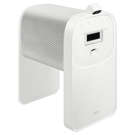
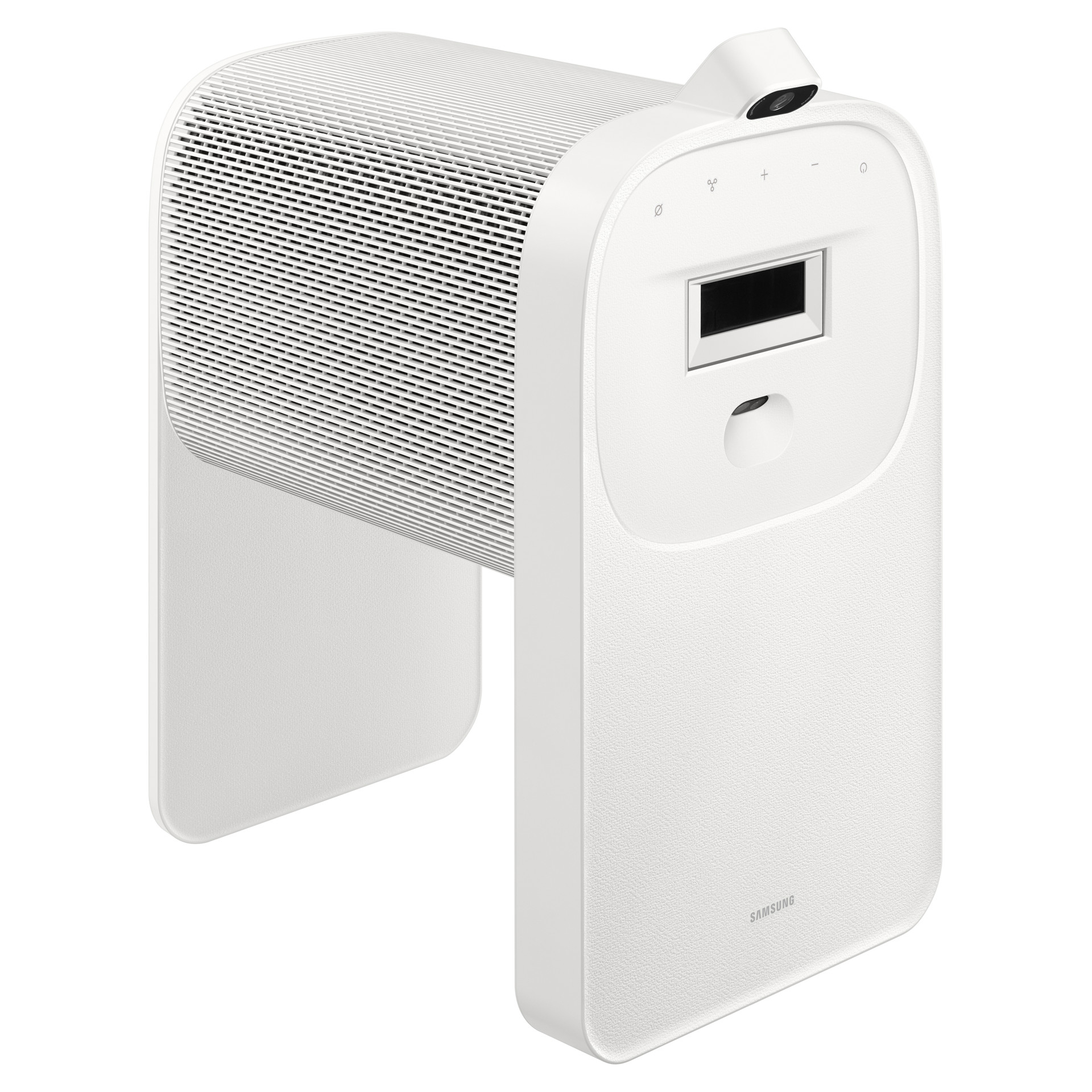
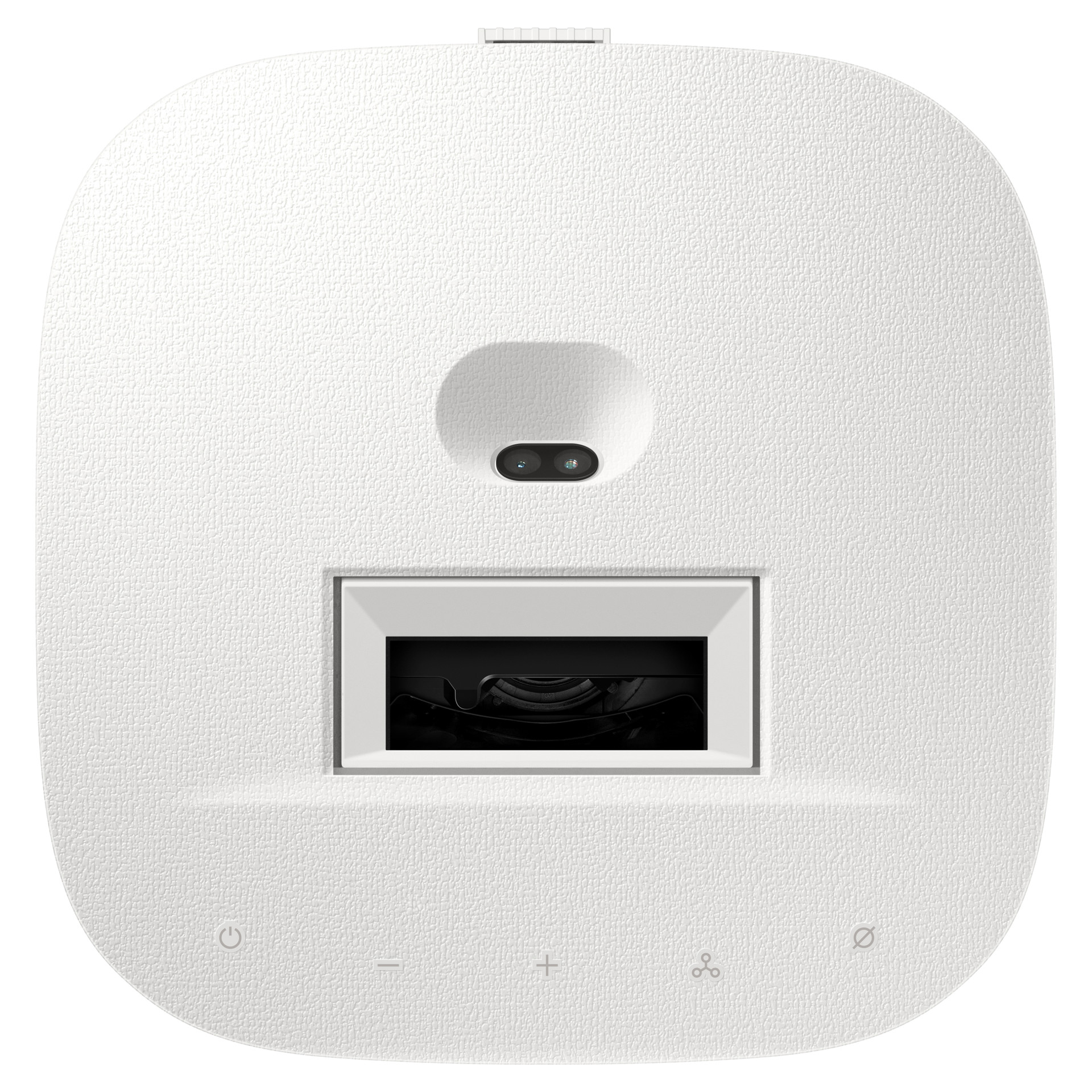
The Premiere 5 Ultra HD 4K Laser Home Theater Projector
Touch Interaction
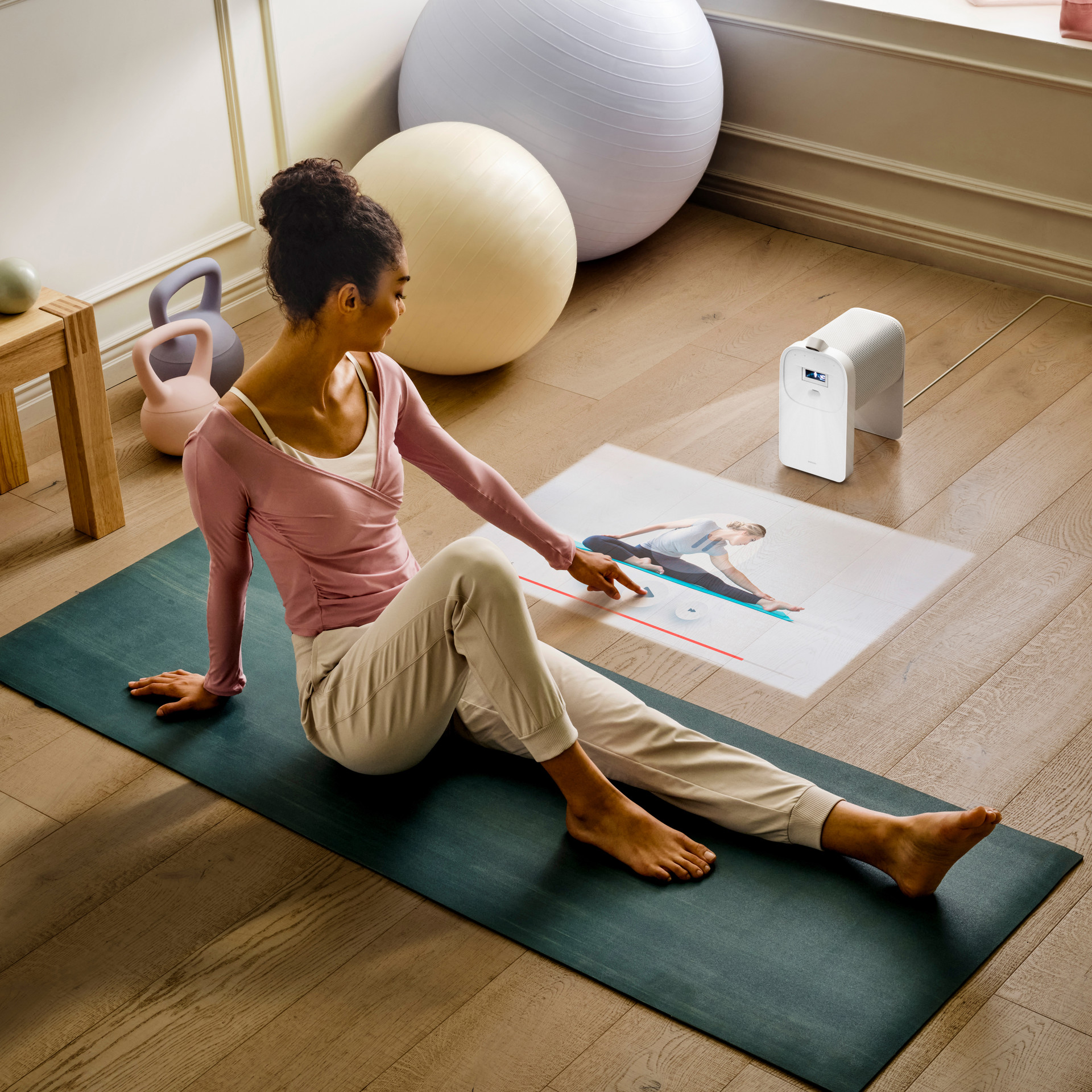
Just connect the Touch Stand to enjoy interactive touchscreen projection. Tap around where you've projected on a counter, desk or dining table, and easily navigate your work and play. Use your finger to select the game you want and interact with it, like moving around the pieces in a puzzle.
Seamless Mobile Integration
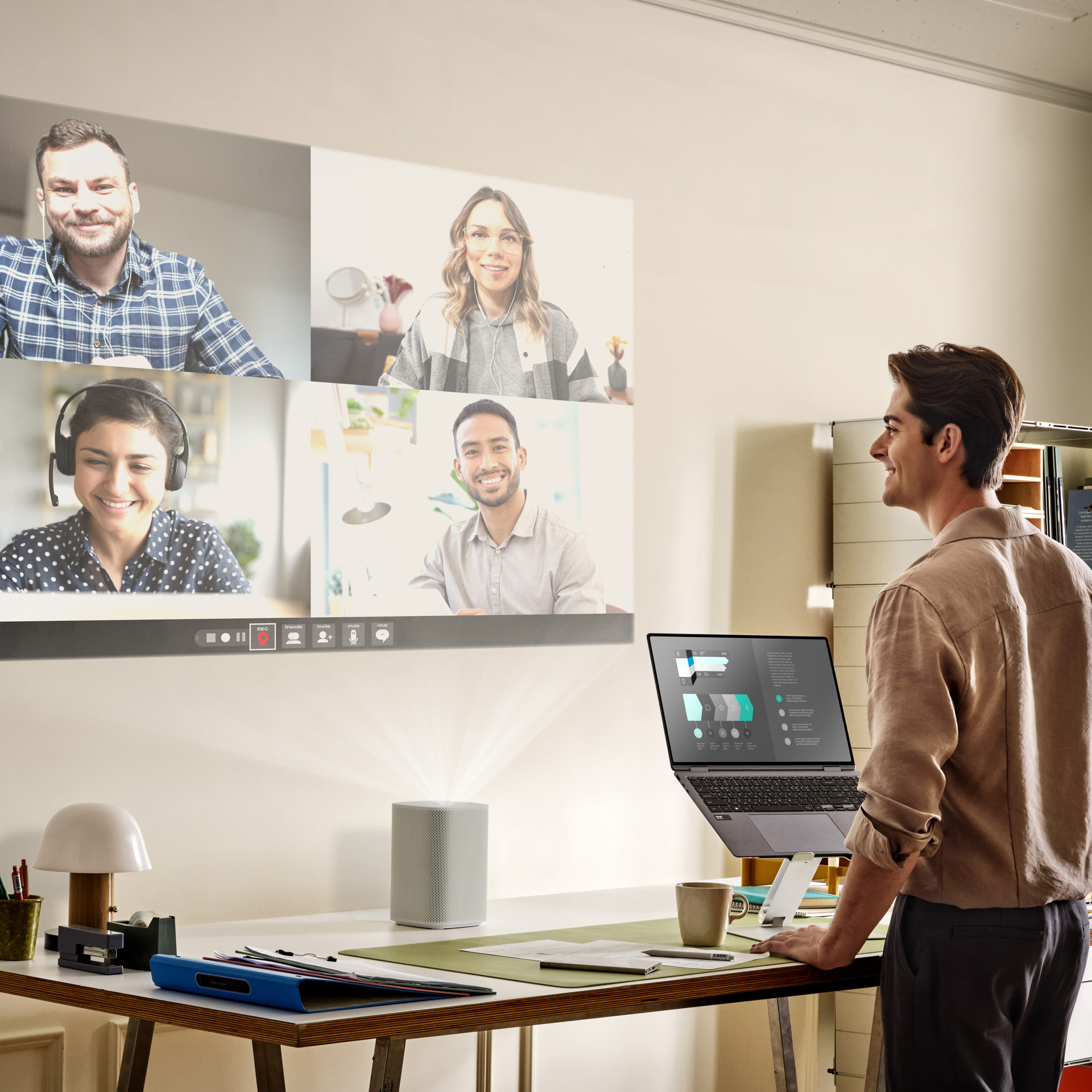
Enjoy your mobile content with your family on a bigger touchscreen, including games, apps and more. Just connect your phone via SmartThings or Apple AirPlay 2, and mirror its screen to The Premiere 5.
Triple Laser Technology
Experience vivid, lifelike picture quality with an enhanced spectrum of a billion+ colours, enabled by a colour gamut of 154% DCI-P3. Three distinct laser light sources in red, green and blue produce pinpoint colour accuracy for vivid images.
Ultra Short Throw
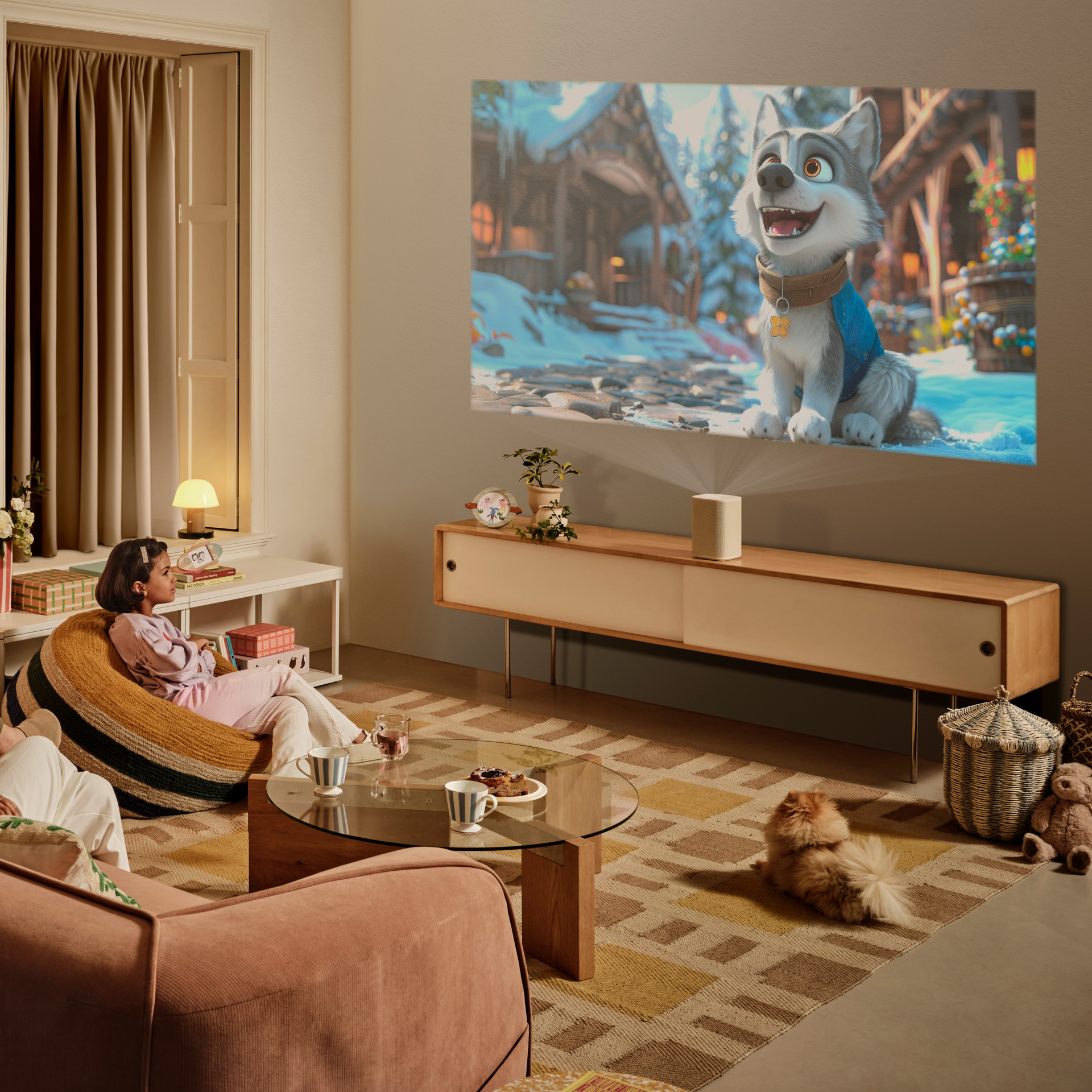
View super-large sized images up to 100 inches with your projector near the wall. The Premiere 5 needs only a very short distance to project cinematic images in super large sizes.
Vision Booster
Vision Booster detects the ambient light level and adjusts the screen’s color, contrast, and brightness to ensure clear visibility. Now you can enjoy your content in a variety of lighting conditions.
Smart Experience
Take advantage of SmartThings and Smart TV features with access to a wide range of free live channels, including Samsung TV Plus, as well as movies and games.
Personalized Ambiance
When you're not watching content, use The Premiere to project a beautiful ambient screen. Choose from preloaded options or create your own custom display from your mobile device, turning your wall into a canvas for all your inspirations.
Powerful Sound
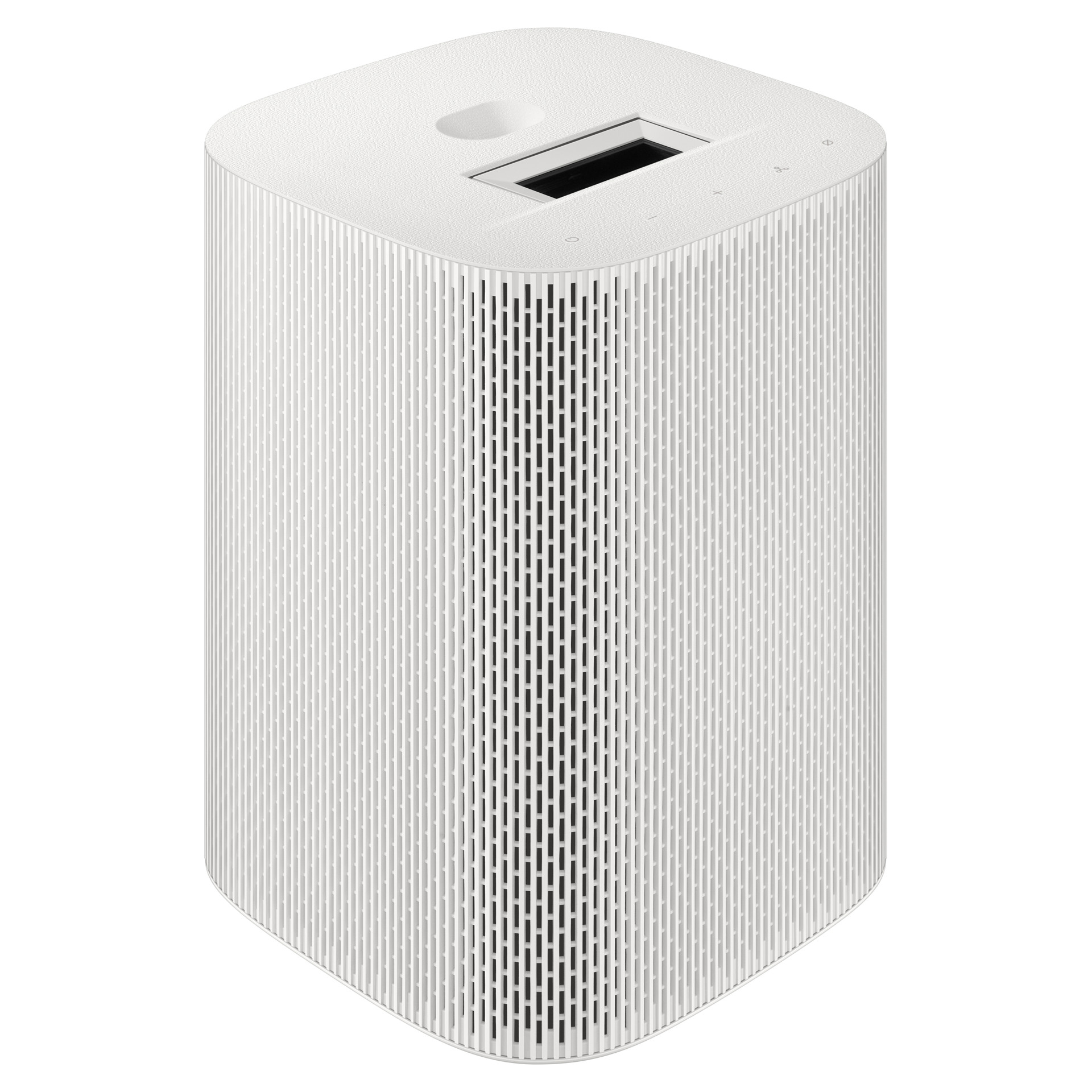
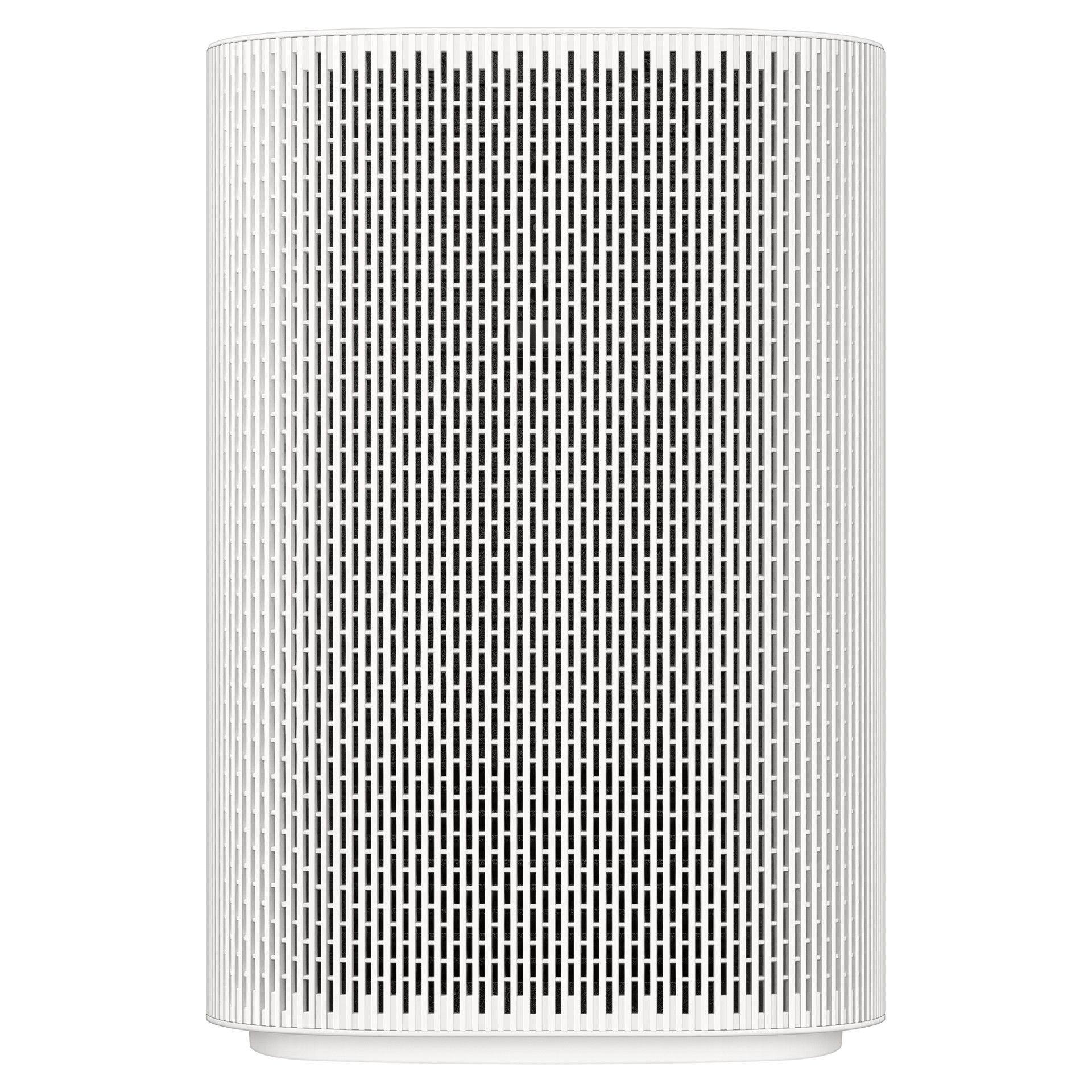
The Premiere 5 features advanced built-in audio technologies like Dolby Atmos, OTS Lite, and Q-Symphony, delivering dynamic surround sound orchestrated in rich harmony.
Active Voice Amplifier Pro
Having trouble hearing dialogue scenes? Our advanced AI identifies voice audio and amplifies it over ambient and background noise, whether it's coming from the screen or your surrounding environment.
Game Hub
Samsung’s Tizen OS now serves as a convenient hub for cloud gaming platforms (no console required), traditional consoles, and standalone game apps. It even recommends new titles based on the games you already love, helping you discover your next favorites quickly.
Manufacturer's specifications